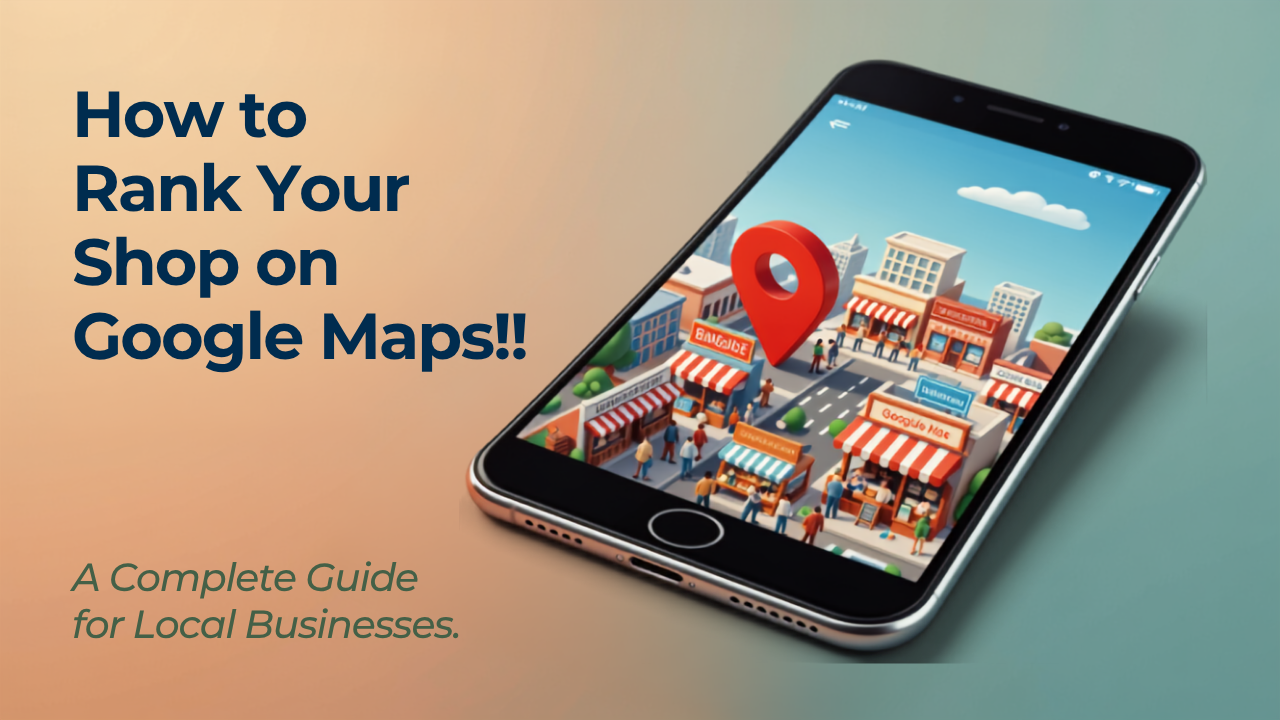
How to Rank Your Shop on Google Maps: A Complete Guide for Local Businesses
Introduction
Imagine someone is just a few kilometers away from your shop and searches on Google for:
- Mobile repair shop near me
- Bakery near me
- Furniture store in Jaipur
- Best hardware shop nearby
Within seconds, Google Maps shows a list of nearby businesses.
Now ask yourself:
Is your business one of them?
If not, you're likely losing potential customers every single day.
Today, most people don't walk around searching for shops—they search on Google first. Whether they need a restaurant, clothing store, medical shop, salon, or service provider, Google Maps is usually the first place they look.
The good news is that you don't need a huge advertising budget to appear there. By following the right local SEO practices and optimizing your Google Business Profile, your shop can become easier to find and attract more local customers.
Why Google Maps Matters for Local Businesses
Google Maps is one of the biggest sources of local customer discovery.
Whenever someone searches using terms like "near me" or includes a city or locality, Google often displays a map with nearby businesses before the regular search results.
Appearing in these local listings can help you:
- Increase store visits
- Receive more phone calls
- Generate more enquiries
- Improve customer trust
- Bring in customers without spending on paid advertising
For many local businesses, ranking well on Google Maps can be even more valuable than
ranking for broad national keywords.
Step 1: Create and Verify Your Google Business Profile
Your Google Business Profile is the foundation of your local online presence.
When creating your profile, include:
- Business name
- Accurate address
- Phone number
- Website
- Business category
- Working hours
- Photos
- Business description
Once your profile is complete, verify it through Google's verification process. A verified profile appears more trustworthy and is eligible to show in local search results.
Step 2: Keep Your Business Information Consistent
Google values consistency.
Make sure your business name, address, and phone number are exactly the same across all online platforms, including:
- Your website
- Google Business Profile
- Social media accounts
- Business directories
- Digital business cards
Even small differences in spelling or formatting can confuse search engines.
Step 3: Choose the Right Business Category
Selecting the correct business category helps Google understand what your business offers.
For example:
- Bakery
- Clothing Store
- Medical Store
- Restaurant
- Furniture Store
- Electrician
You can also add secondary categories if they accurately describe additional services you provide.
Step 4: Upload High-Quality Photos
Businesses with quality photos generally receive more customer engagement.
Upload images of:
- Your shop
- Products
- Interior
- Team members
- Services
- Storefront
Keep adding new photos regularly so customers know your business is active.
Step 5: Collect Genuine Customer Reviews
Customer reviews play an important role in local SEO.
Encourage satisfied customers to leave honest reviews after purchasing your products or using your services.
Always respond to reviews—both positive and negative—in a polite and professional manner.
Authentic reviews help build trust with both Google and future customers.
Step 6: Add Your Products and Services
Google Business Profile allows businesses to showcase products and services directly.
Include:
- Product names
- Service descriptions
- Product photos
- Prices (if appropriate)
This helps customers understand your offerings before contacting you.
Step 7: Keep Your Profile Updated
An active business profile sends positive signals to Google.
Regularly update:
- Business hours
- Holiday timings
- New products
- Photos
- Special offers
- Business announcements
Fresh information improves customer experience and keeps your listing relevant.
Step 8: Build a Professional Website
Although Google Business Profile is powerful, having a website strengthens your online
presence even further.
Your website should include:
- Business overview
- Products or services
- Contact details
- Business location
- Customer testimonials
- Frequently Asked Questions
A website also gives you more opportunities to appear in Google Search for relevant keywords.
Step 9: Use Local Keywords Naturally
Think about the phrases your customers actually search for.
Examples include:
- Furniture shop in Lucknow
- Best salon in Ahmedabad
- Laptop repair in Noida
- Cake shop in Indore
Use these keywords naturally throughout your website, blog posts, and business descriptions without overusing them.
Step 10: Build Local Authority
Google also looks at your overall online reputation.
You can strengthen it by:
- Listing your business in trusted directories
- Joining local business associations
- Participating in community events
- Getting mentioned on local websites
- Earning quality backlinks
These signals help improve your credibility online.
Common Mistakes That Hurt Google Maps Rankings
Many businesses unknowingly reduce their visibility by making simple mistakes such as:
- Leaving their profile incomplete
- Using outdated contact information
- Ignoring customer reviews
- Choosing the wrong business category
- Uploading very few photos
- Never updating their profile
- Not having a professional website
Avoiding these mistakes can significantly improve your chances of ranking higher.
Helpful Free Tools
These free tools can help improve your local SEO efforts:
- Google Business Profile
- Google Search Console
- Google Analytics
- Google Maps
- Google Keyword Planner
Together, these tools help you monitor performance and improve your visibility.
Frequently Asked Questions
1. How long does it take to rank on Google Maps?
1. How long does it take to rank on Google Maps?
There is no fixed timeline. Rankings improve over time through consistent optimization, accurate business information, customer reviews, and regular updates.
2. Do customer reviews improve rankings?
Yes. Genuine customer reviews help build trust and are an important factor in local search visibility.
3. Can I rank without having a website?
Yes, but having a professional website improves your credibility, supports SEO, and gives customers more information about your business.
Conclusion
Google Maps has become one of the most important platforms for helping customers discover local businesses.
By optimizing your Google Business Profile, collecting genuine reviews, keeping your business information updated, and building a strong online presence, you can improve your visibility and attract more local customers.
Local SEO isn't about shortcuts—it's about consistently providing accurate information and delivering a great customer experience. The businesses that invest in these efforts today are more likely to grow their customer base tomorrow.
Why Businesses Choose Futkar
Futkar helps businesses build a stronger digital presence with Pocket Websites, Online Shops, Digital Business vCards, Product Catalogues, and Smart QR Codes. These easy-to-use tools help customers discover your business online, explore your products or services, and connect with you more easily through Google Search, Google Maps, and other digital channels.
Ready to grow your business online?
Create your Pocket Website & Digital VCard free with Futkar.
Start Free Today