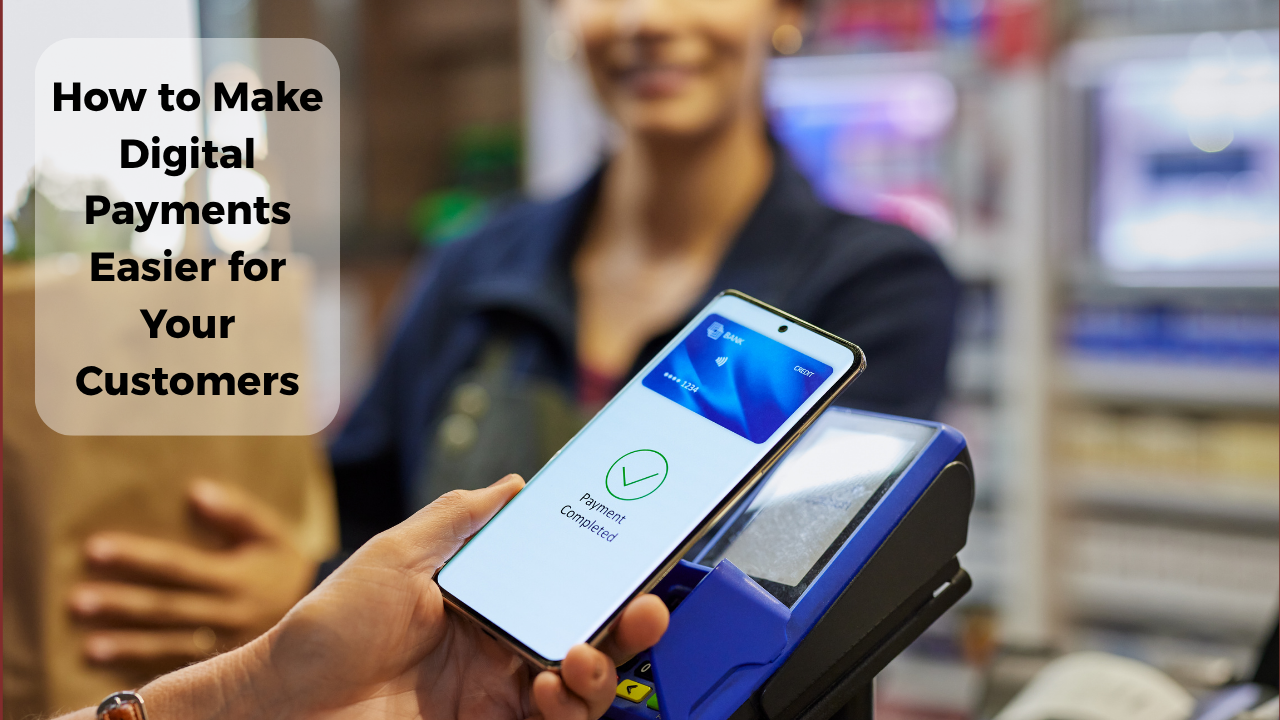
How to Make Digital Payments Easier for Your Customers
A customer has selected a product, confirmed the price, and is ready to buy. But at checkout, the QR code is difficult to scan, payment instructions are unclear, or the transaction status takes too long to confirm.
These small inconveniences can turn an otherwise smooth shopping experience into a frustrating one.
For Indian small businesses, accepting digital payments is only the beginning. Making those payments simple, reliable, and comfortable for customers is equally important.
Whether you run a retail shop, home-based business, café, or local service, a few practical improvements can make the payment experience noticeably better.
1. Keep Your UPI QR Code Easy to Find
Customers should not have to ask repeatedly where or how to pay.
Place your merchant UPI QR code somewhere clearly visible, preferably near the billing counter or checkout area.
Make sure the code is:
- Printed clearly and large enough to scan.
- Free from scratches, reflections, or damage.
- Displayed at a comfortable scanning height.
- Connected to the correct merchant payment account.
For example, a busy tea stall can place a laminated QR code beside the price list so customers can pay without interrupting the seller.
Regularly inspect printed QR codes to ensure they have not been replaced or tampered with.
2. Offer More Than One Payment Option
Not every customer uses the same payment application or prefers the same method.
UPI offers interoperability across participating banks and applications, making it convenient for customers using different supported services.
However, businesses should also consider accepting cash and other suitable payment methods.
A clothing store might accept UPI, cash, and cards, depending on its customer base and available infrastructure.
The goal is not to introduce every possible payment method. It is to offer enough flexibility that customers can complete purchases comfortably.
3. Make Payment Instructions Simple
Unclear payment instructions create unnecessary confusion, especially for first-time digital payment users.
Keep the process straightforward.
For QR-based UPI payments, customers generally need to open their supported payment application, scan the merchant code, verify the recipient details, enter the amount if required, and authorise the transaction.
A small sign saying "Scan to Pay Using UPI" can be helpful.
For remote orders, clearly communicate the payable amount, recipient information, and accepted payment method.
Avoid asking customers to share their UPI PIN, OTP, or other confidential banking information.
4. Display the Final Amount Before Payment
Unexpected charges or unclear totals can make customers hesitate.
Before requesting payment, communicate the complete amount, including any applicable delivery fees, taxes, or other disclosed charges.
For example, a home bakery receiving an order through WhatsApp could send a simple summary:
- Cake price: ₹650
- Delivery charge: ₹50
- Total payable: ₹700
This allows customers to verify the amount before making the payment.
Transparent pricing reduces confusion and makes transactions easier to reconcile.
5. Confirm Payments Without Unnecessary Delays
Customers appreciate knowing whether their payment has been received successfully.
Businesses should check incoming payments through their trusted merchant application, banking notification, or transaction history.
Do not rely exclusively on customer screenshots, as these may be outdated, misleading, or altered.
For online transactions, payment gateways may offer automated payment status updates when properly integrated.
If a transaction remains pending, explain the situation clearly rather than immediately asking the customer to pay again.
6. Prepare for Failed or Delayed Transactions
Digital payments occasionally fail because of connectivity issues, banking system interruptions, or transaction errors.
Businesses should have a simple process for handling these situations.
Check the payment status, retain the transaction reference where available, and guide customers toward the appropriate bank or payment provider support channel.
For disputed transactions, customers can use the complaint processes provided by their payment application and bank, including the escalation mechanisms described by NPCI.
Keeping an alternative payment method available also helps prevent unnecessary checkout disruptions.
7. Simplify Payments for Online and WhatsApp Orders
Small businesses increasingly receive customer enquiries through messaging applications and online catalogues.
The payment experience should remain clear even when customers are not physically present.
For example, a local gift shop accepting WhatsApp orders can confirm product availability, share the final payable amount, and provide a supported merchant payment link.
Businesses with online stores can consider compatible payment gateways that offer UPI checkout and payment status verification.
Avoid assuming that a basic product catalogue or QR code automatically provides integrated payment processing.
8. Build Customer Confidence Through Consistency
Customers are more comfortable with digital payments when the process feels predictable.
Use a consistent merchant payment identity, display clear pricing, and provide receipts or order confirmations when appropriate.
Train staff to recognise successful transactions, handle pending payments, and explain the payment process politely.
A simple, reliable checkout experience can encourage customers to return without needing complicated technology.
Frequently Asked Questions (FAQs)
1. What is the easiest digital payment method for small businesses in India?
UPI QR code payments are a practical option for many small businesses because customers can pay using supported UPI applications without requiring a traditional card machine.
2. How can businesses make UPI payments faster?
Display a clear merchant QR code, communicate the correct amount, maintain reliable connectivity, and use trusted payment notifications to verify transactions.
3. What should businesses do when customers report failed payments?
Check the transaction status through the official banking or merchant application. If the status remains unclear, use the payment provider's support process before deciding whether another payment is necessary.
4. Can small businesses accept digital payments for WhatsApp orders?
Yes. Businesses can share supported merchant payment links or QR codes after confirming order details. Payment verification and order tracking should be handled separately unless an integrated solution is available.
Conclusion
Making digital payments easier does not always require expensive technology. Clear QR codes, transparent pricing, reliable payment confirmation, and flexible payment options can significantly improve the customer experience.
Small businesses can complement these practices with a digital presence through Futkar's Pocket Websites, Online Shops, and Smart QR Codes, while using suitable UPI or payment gateway services to handle transactions.
Ready to grow your business online?
Create your Pocket Website & Digital VCard free with Futkar.
Start Free Today