How to Create a Business Website Without Coding
Introduction
For many small business owners, the idea of creating a website sounds complicated.
Words like hosting, domains, HTML, plugins, databases, and development can make the process feel like something only a technical person can handle.
But website creation has changed significantly.
Today, many website-building platforms allow people with little or no technical knowledge to create an online business presence using templates, visual editors, forms, product tools, and ready-made features.
That doesn't mean every business needs a complicated DIY website.
The goal should be much simpler:
Create a clear, trustworthy online destination where customers can understand your business and take the next step.
What Does "Without Coding" Actually Mean?
Creating a website without coding generally means using a website builder or platform that handles much of the technical infrastructure for you.
Instead of writing code manually, you may use:
- Templates
- Drag-and-drop editors
- Pre-built sections
- Product blocks
- Contact forms
- Image galleries
- Buttons
- Ready-made layouts
You still need to make important decisions about your content, structure, branding, and customer experience.
The platform simply reduces the technical work involved.
Step 1: Decide What Your Website Needs to Do
Before choosing a platform, decide what you actually want the website to accomplish.
For example, your goal might be to:
- Showcase products
- Promote services
- Generate enquiries
- Share your location
- Build credibility
- Collect leads
- Sell products online
- Allow customers to book appointments
Your requirements should determine the type of website you create.
Don't start by asking:
"Which website builder is the best?"
Start with:
"What does my customer need from my website?"
Step 2: Choose a Domain Name
Your domain is the address customers use to find your website.
Ideally, choose something that is:
- Easy to remember
- Easy to spell
- Relevant to your business
- Short where possible
- Consistent with your brand
Avoid unnecessarily complicated names, excessive numbers, or spellings that customers may struggle to remember.
If your business already has an established name, keeping the domain close to that name can make it easier for customers to recognize.
Step 3: Choose the Right Website-Building Platform
There are many ways to build a website without coding.
The right option depends on what you're building.
For example:
Simple business presence:
A lightweight website or Pocket Website may be enough.
Product catalogue:
Choose a platform that makes product management easy.
Online selling:
Look for ecommerce functionality, payments, order management, and product management.
Look for ecommerce functionality, payments, order management, and product management.
Content-heavy website:
A platform with strong blogging and content management features may be more suitable.
A platform with strong blogging and content management features may be more suitable.
Don't pay for advanced features you don't actually need.
Step 4: Prepare Your Business Information
Before building the website, collect the information customers are likely to need.
This could include:
- Business name
- Business description
- Products
- Services
- Prices where appropriate
- Photos
- Phone number
- WhatsApp number
- Location
- Opening hours
- Social media links
Having the content ready can make website creation much faster.
Step 5: Create the Main Sections
A small business doesn't necessarily need dozens of pages.
Start with the most useful information.
Depending on your business, this might include:
Home
A quick explanation of what you offer.
Products or Services
What customers can buy or enquire about.
What customers can buy or enquire about.
About
Who you are and what your business does.
Who you are and what your business does.
Contact
Phone, WhatsApp, email, location, or enquiry form.
FAQs
Answers to common customer questions.
Answers to common customer questions.
You can add more sections as your business grows.
Step 6: Write a Clear Homepage
Your homepage should answer three questions quickly:
What do you offer?
Who is it for?
What should the customer do next?
For example, instead of writing:
"Welcome to our website."
you could write something more useful:
"Custom Cakes for Birthdays and Events in Delhi."
Then provide a clear action such as:
View Cakes
WhatsApp Us
Request a Quote
The customer shouldn't have to guess what your business does.
Step 7: Add High-Quality Images
Images can have a major impact on how customers perceive your business.
Use clear and relevant photos of:
- Products
- Storefront
- Workspace
- Team
- Completed projects
- Services
- Packaging
Avoid using unrelated stock photographs simply to fill empty spaces.
Real images can help customers understand what your business actually looks like.
Step 8: Make Contact Information Easy to Find
Don't hide your phone number at the bottom of a complicated contact page.
Depending on your business, make important contact options easy to access.
For example:
Call
WhatsApp
Get Directions
Send Enquiry
Book Appointment
A website should make contacting your business easier—not harder.
Step 9: Make Your Website Mobile-Friendly
Before publishing, check the website on a smartphone.
Look for problems such as:
- Text that's too small
- Buttons that are difficult to tap
- Images that don't fit properly
- Slow-loading pages
- Menus that are difficult to use
- Important information that is hard to find
A website that looks good on a desktop but is difficult to use on a phone isn't doing its job properly.
Step 10: Add Basic SEO Information
You don't need to become an SEO expert to get started.
Make sure your website clearly communicates:
- What your business does
- What products or services you provide
- Where you operate
- How customers can contact you
Use natural phrases that customers might actually search for.
For example, a local business could naturally mention its service and city where relevant.
Avoid repeating the same keyword unnecessarily.
Good SEO starts with useful information.
Step 11: Connect Your Google Business Profile
If you operate a local business, connect your website with your broader local presence.
Your Google Business Profile can provide customers with information such as:
- Business location
- Opening hours
- Phone number
- Website
- Reviews
- Photos
Make sure the information across your website and Google profile is accurate and consistent.
Step 12: Add WhatsApp or Other Communication Options
If your customers prefer WhatsApp, make it easy for them to start a conversation.
A website can include a WhatsApp button or another appropriate contact method.
This creates a simple journey:
Search → Website → Product/Service → WhatsApp → Enquiry
The exact process will depend on your business.
Step 13: Add Trust Signals
A new customer may not know whether your business is reliable.
Give them reasons to feel comfortable.
Depending on what is appropriate, include:
- Genuine customer reviews
- Testimonials
- Business address
- Real photographs
- Years of experience
- Certifications or qualifications
- Portfolio
- Clear policies
Never invent reviews, qualifications, or claims simply to make the website look more credible.
Step 14: Test Everything Before Publishing
Before sharing your website, test:
- Every button
- Contact forms
- WhatsApp links
- Phone links
- Product links
- Navigation
- Images
- Mobile layout
- Spelling
- Contact information
Ask someone who isn't involved in building the website to try it.
If they can't figure out what to do within a few seconds, simplify the page.
When You Don't Need a Developer
You may not need a developer when:
- Your website is relatively simple
- You need basic business information
- You want to showcase products or services
- Your platform provides the required features
- You are comfortable managing content yourself
A no-code platform can be a practical solution for many small businesses.
When You May Need Professional Development
A developer can become useful when your requirements go beyond standard website-builder functionality.
For example:
- Highly customized applications
- Complex integrations
- Custom customer portals
- Advanced databases
- Unique workflows
- Specialized ecommerce requirements
- Custom software functionality
The important point is that you don't have to start there.
Build what you need today and add complexity when your business genuinely requires it.
Common Mistakes to Avoid
Avoid these mistakes when creating a no-code website:
- Using too much text
- Making navigation complicated
- Using poor-quality images
- Hiding contact information
- Forgetting mobile users
- Adding unnecessary animations
- Copying another business's content
- Making unsupported claims
- Ignoring basic SEO
- Publishing without testing
A professional website isn't necessarily the one with the most features.
It's the one that makes it easy for customers to understand and interact with your business.
Frequently Asked Questions
Can I really create a business website without coding?
Yes. Many modern website-building platforms provide visual editors and pre-built features that allow users to create websites without writing code.
Is a no-code website professional enough for a business?
It can be. Professionalism depends heavily on the quality of the design, content, images, information, usability, and overall customer experience.
Do I need to hire a developer to create an ecommerce website?
Not necessarily. Many ecommerce platforms provide ready-made tools for products, payments, orders, and customer management. Custom requirements may still require professional development.
Can I update my website myself?
With many no-code platforms, yes. You can often update text, images, products, and other content without depending on a developer.
Conclusion
Creating a business website without coding is no longer limited to people with technical skills.
The important part isn't learning programming.
It's understanding your customers and giving them the information they need.
Start with your business goals, choose a platform that matches your requirements, create clear content, add genuine images, make contact easy, optimize the experience for mobile users, and test everything before publishing.
And remember: a simple website that is useful and maintained is far better than a complicated website that customers struggle to use.
Why Businesses Choose Futkar
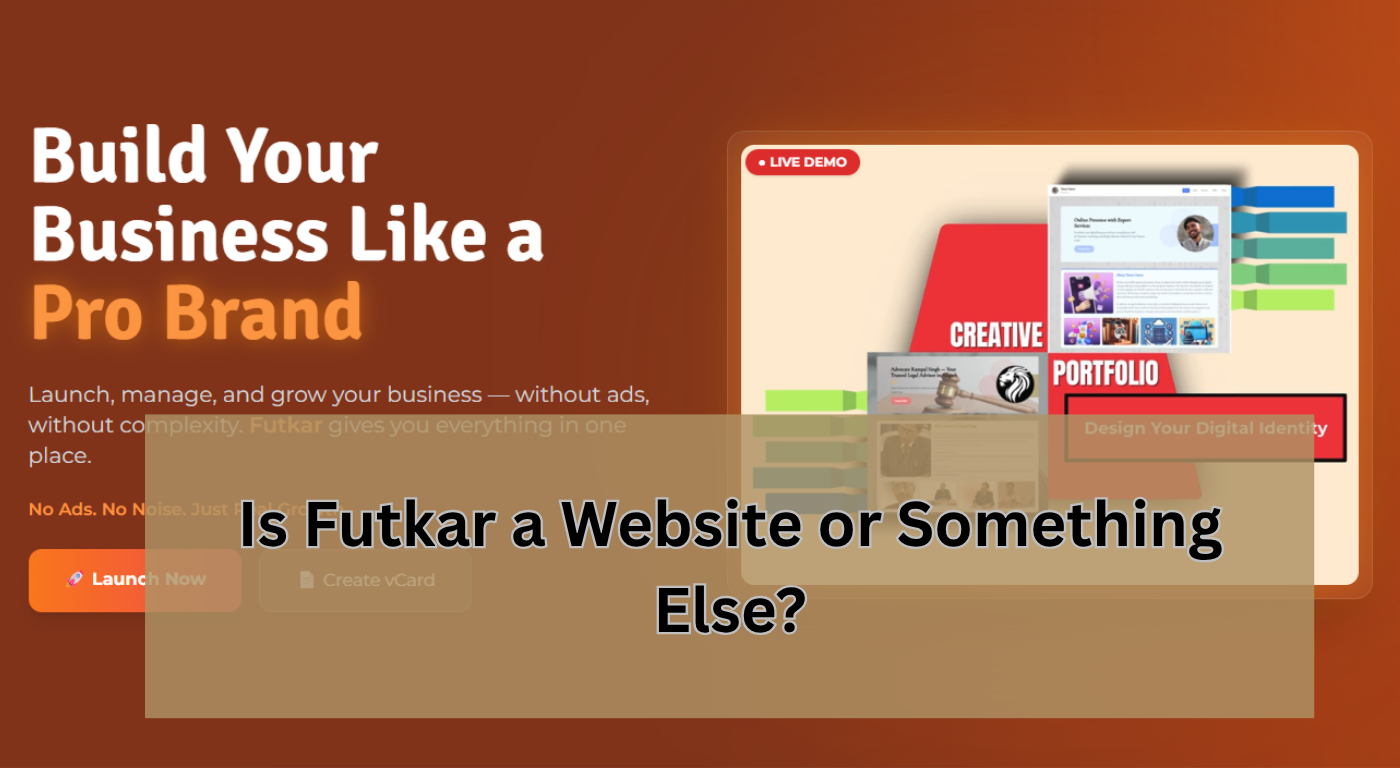
For businesses that don't need a complicated traditional website, Futkar offers Pocket Websites, Online Shops, Product Catalogues, Digital Business Cards, and Smart QR Codes. These tools can help small businesses create a professional online presence without needing to manage complicated website development themselves.
Ready to grow your business online?
Create your Pocket Website & Digital VCard free with Futkar.
Start Free Today