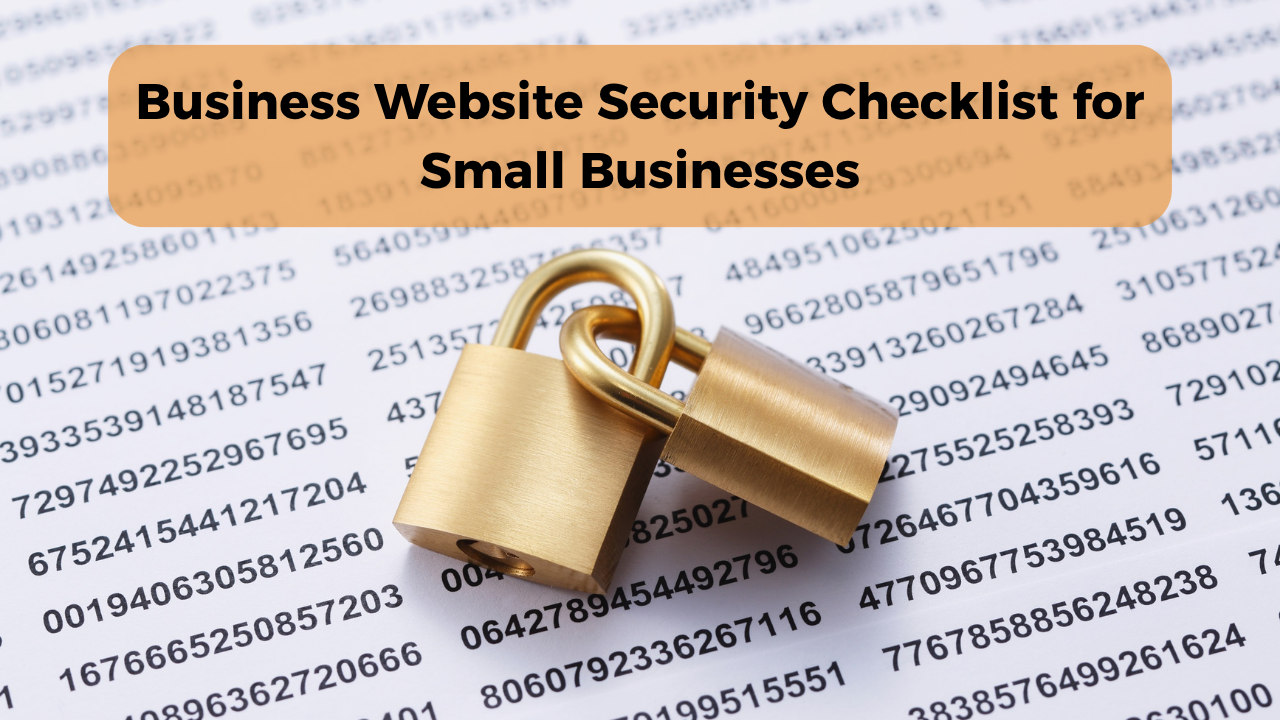
Business Website Security: Basic Things Every Small Business Should Check
A small business website might only have a few pages, a product catalogue, and a contact form. That doesn't mean security can be ignored.
Even a simple website can be affected by outdated software, stolen passwords, malicious links, or unauthorized access. And when something goes wrong, the consequences aren't always technical. Customers may find the website unavailable, receive suspicious messages, or lose confidence in the business.
The good news? Basic website security doesn't have to be expensive or complicated.
Here are the checks worth making.
1. Check Whether Your Website Uses HTTPS
Look at your website address. It should begin with https://, not http://.
HTTPS encrypts information exchanged between a visitor's browser and your website, helping protect it from interception or tampering during transmission.
However, HTTPS alone doesn't mean a website is completely secure. It is one essential layer of protection.
If your website doesn't use HTTPS, contact your hosting provider about installing a valid SSL/TLS certificate.
2. Protect Your Website Login
One weak admin password can put an entire website at risk.
Avoid using your business name, phone number, or simple combinations such as admin123.
Instead:
- Use a long, unique password.
- Enable multi-factor authentication where available.
- Avoid sharing one admin account with everyone.
- Remove access when employees or freelancers leave.
A password manager can help your team maintain strong passwords without needing to remember each one.
3. Keep Website Software Updated
If your website uses WordPress or another content management system, outdated plugins, themes, and software can create security vulnerabilities.
Check for updates regularly, especially security-related ones.
Before making major updates, create a backup and confirm that your website will continue working correctly.
For websites managed by a platform provider, ask how security updates are handled.
4. Make Sure You Have Backups
Imagine opening your website one morning and discovering that important pages, images, or product information have disappeared.
A reliable backup can make recovery much easier.
Check whether your hosting provider offers automatic backups, how frequently they run, and how you can restore your website.
Keep a protected backup separate from the main website where practical.
Most importantly, test the recovery process. A backup is only useful if it can actually be restored.
5. Review Your Contact Forms
Contact forms make enquiries easier, but they can also attract spam and automated submissions.
Basic protections include spam filtering, form validation, and limiting unnecessary fields.
Don't ask visitors to provide sensitive personal information unless your business genuinely needs it.
If your website receives frequent spam, consider a reputable CAPTCHA or another anti-spam solution.
6. Be Careful With Third-Party Plugins
Plugins and integrations can add useful features, but every additional tool may introduce maintenance or security responsibilities.
Before installing one, check whether it comes from a trustworthy developer, is actively maintained, and is compatible with your website.
Remove plugins and extensions you no longer use.
Adding more features isn't always better if nobody is maintaining them.
7. Secure Customer Payments
If customers can pay through your website, use a reputable payment gateway that is appropriate for your business.
Avoid collecting or storing card numbers, CVVs, or other sensitive payment credentials yourself unless you have the necessary systems and compliance measures.
For many small businesses, using a hosted checkout from an established payment provider is more practical than building a payment system independently.
8. Check Your Website on Mobile
Website security and usability are different, but both affect customer confidence.
Open your website on a phone and check whether:
- Pages load correctly.
- Contact buttons work.
- Forms submit properly.
- Payment links lead to the expected destination.
- Unexpected pop-ups or redirects appear.
An unfamiliar redirect or suspicious payment page deserves immediate investigation.
A Simple Monthly Website Security Routine
You don't need to perform a full technical audit every week. Start with a manageable routine.
Check
What to do
HTTPS | Confirm your certificate is valid
Login security | Review admin access and MFA
Updates | Install appropriate security updates
Backups | Confirm recent backups exist
Forms | Check spam and submissions
Plugins | Remove unused tools
Website links | Test contact and payment links
For a business that handles sensitive information or processes transactions, more frequent monitoring and professional security support may be necessary.
FAQs
Is HTTPS enough to secure a business website?
No. HTTPS protects data in transit, but website security also depends on software updates, access controls, backups, hosting security, and safe data handling.
Can a small business website get hacked?
Yes. Website attacks aren't limited to large companies. Automated attacks can target vulnerable websites regardless of business size.
Do I need to hire a cybersecurity expert?
Not always. Basic websites can often follow standard security practices through a reputable hosting or website provider. Businesses handling sensitive information or complex transactions may need specialist support.
How often should I check my website security?
Monitor important security alerts and updates as they arise. A monthly checklist is a useful starting point, but urgent vulnerabilities should be addressed promptly.
Conclusion
A secure website isn't just about protecting code or preventing hackers. It's about keeping your business accessible, protecting customer information, and avoiding preventable disruptions.
Start with the essentials: HTTPS, strong login protection, software updates, backups, safe forms, and reliable payment systems.
If you're using Futkar to create your business's digital presence, keep your published information and contact links accurate. For payment processing, sensitive customer records, or advanced security needs, choose dedicated providers with appropriate safeguards.
Ready to grow your business online?
Create your Pocket Website & Digital VCard free with Futkar.
Start Free Today